About this project
The current Linux release builds CIA files from your own GBA games and checks supported unencrypted CIAs. It includes local cover art, verified card copying and safe eject, with twelve app interface languages. It does not include Wii, GameCube, DS, 3DS or NES conversion engines. The earlier Windows toolbox is a separate archived release; a refreshed public Windows download is pending.
INSIDE BETA 0.1.11
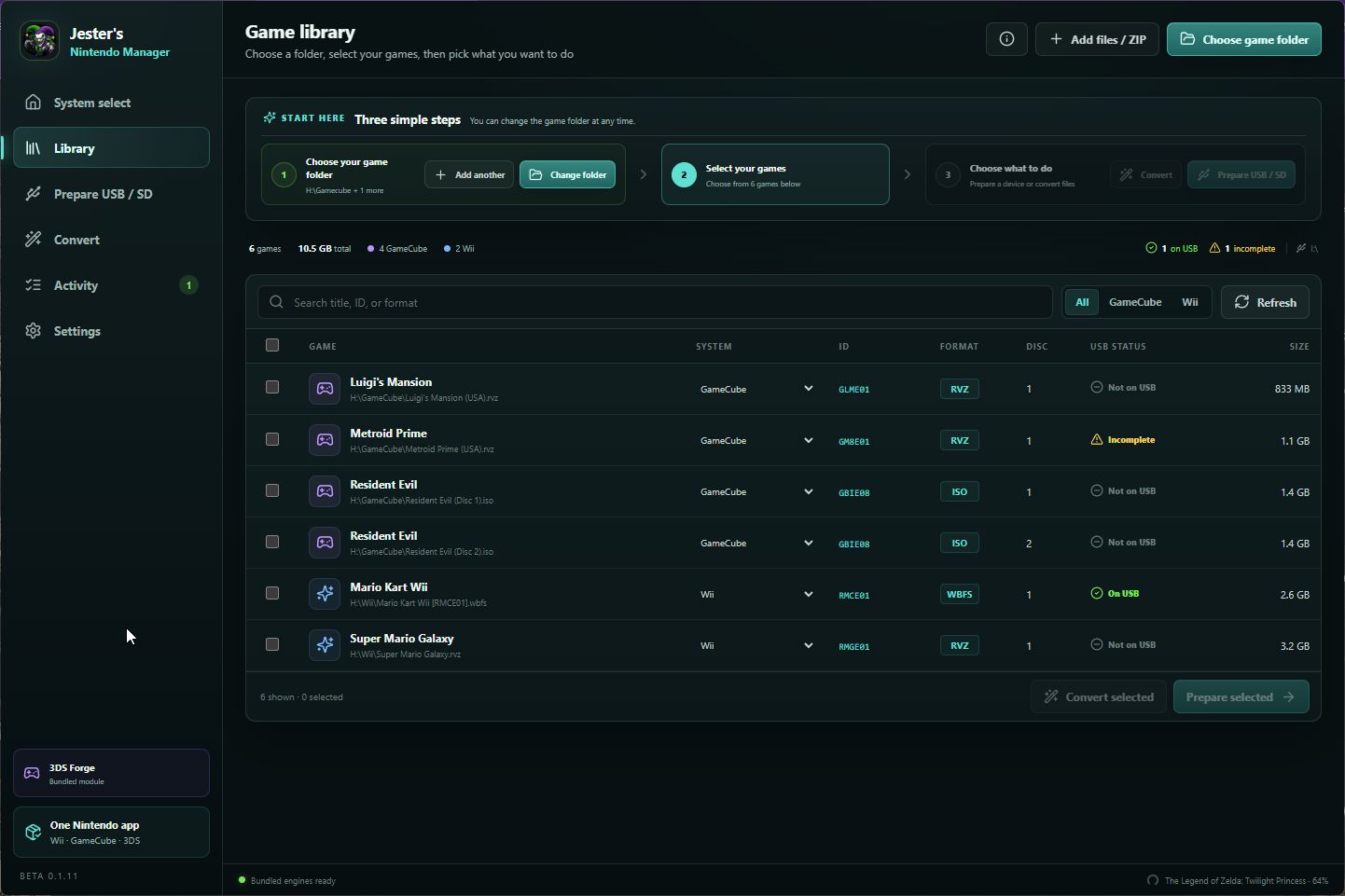
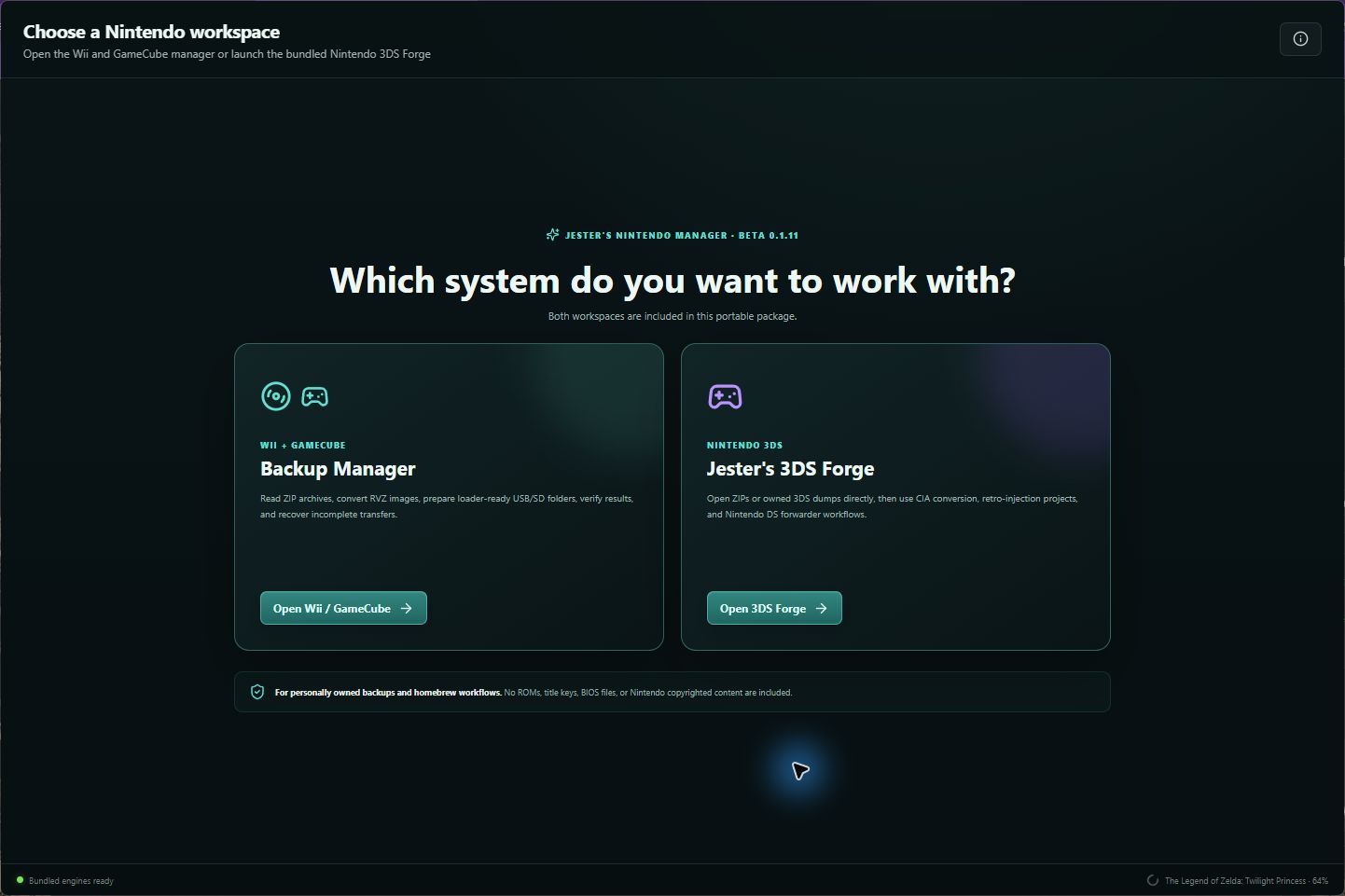
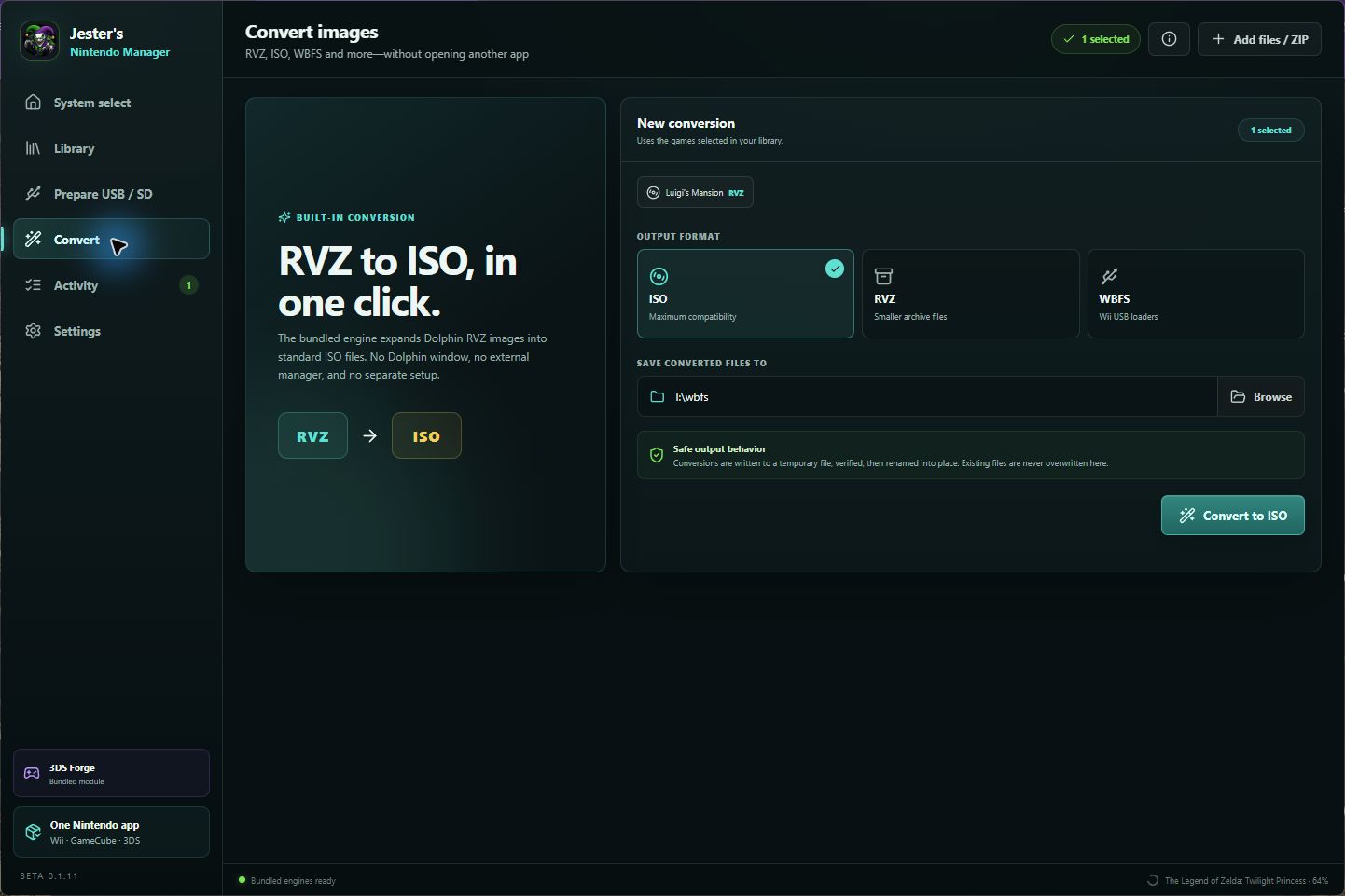
Screenshots
Captured from the app’s built-in demo workspace. Game names, paths, and progress are example data; no games are included.
Native Linux · GBA studio 1.3
A native Linux GBA-to-CIA studio with twelve interface languages, local cover art, unencrypted CIA checks, verified SD-card copying, and an explicit safe-eject step. Use it with your own GBA games.
LINUX X86_64 · PUBLIC BETADownload version 1.3
Complete ZIP with source, launcher, x86_64 tools, offline fonts and third-party license notices · 27.2 MiB
Download Linux archiveFile details & SHA-256 verification
JestersNintendoManager-Linux-x86_64-1.3.zip
e4ada3debdd2fa4b3c5cd2a6f1c51beb24b6246bdd01b369be7e227b4fa85ed7App interface languages
English · Spanish · Japanese · German · French · Dutch · Polish · Brazilian Portuguese · Simplified Chinese · Traditional Chinese · Malay · Tamil
The app follows your system language on first launch. Change Language in the top-right menu, then close and reopen the app. Game titles, file paths and IDs keep their original text. Offline CJK and Tamil fonts are included for the app. INSTALL.md, README.txt and some third-party command-line diagnostics remain in English.
Found a problem or an awkward translation? Send feedback to [email protected].
What you need
- Linux x86_64 with Python 3, GTK 3, PyGObject, and Pillow. The included command-line tools are x86_64 binaries.
- Your own .gba file or ZIP containing one .gba file. No games or save files are included.
- A Nintendo 3DS with custom firmware is required to install and run a created CIA.
Install and run
- Download and extract the complete ZIP into a folder you control. Keep vendor/, locales/ and fonts/ beside the Python files.
- Install Python 3, GTK 3, PyGObject and Pillow with your Linux distribution's package manager. Read the included English INSTALL.md for details.
- Run ./run.sh from the extracted folder, or sh run.sh if the executable bit was lost.
- The app uses your system language initially. To choose another, open the top-right menu, select Language, then close and reopen the app.
- Choose your own GBA file, confirm its save type and output folder, then select Make CIA. Back up existing 3DS saves before replacing an installed title.
- When copying to an SD card, wait for verification to finish. Use Eject card and wait for confirmation before disconnecting it.
Current limits
- This Linux release converts GBA games only. Wii, GameCube, DS, 3DS and NES conversion engines are not included.
- Physical 3DS boot, save and relaunch testing remains pending. Package integrity and software tests do not establish real-console compatibility.
- The CIA checker verifies supported unencrypted content integrity; it does not verify Nintendo signatures or extract encrypted saves.
- The app interface is translated. Bundled install documentation and some third-party tool diagnostics remain in English.
The archive includes INSTALL.md, the app’s source, synthetic backend tests, and third-party license notices. The app’s source has no separate redistribution license declared here.
Windows
Windows refresh pending
The earlier Windows beta is archived. A refreshed public download and updated setup notes will be published together after verification.
The current Linux GBA studio above is a separate app with its own features and requirements.
Windows setup guide
New Windows setup instructions will accompany the refreshed package. For the current Linux release, follow the Linux setup steps above.
Changelog
Linux 1.3
- Version 1.3 adds twelve interface languages and bundled offline fonts; language preferences are stored separately from game settings and history.
- Includes the verified card-copy, filesystem flush and explicit safe-eject workflow introduced in version 1.2.
- Retains the version 1.1 correction for 128 KB Flash save allocation. Backend checks passed; a physical 3DS save and relaunch test is still pending.
Archived Windows beta 0.1.11
The earlier Windows release added compatible game-file handling inside ZIP archives. Its public download is being refreshed; these archived Windows notes do not describe the current Linux app.
Source code & license
The Linux ZIP includes the app source and third-party license notices; no separate redistribution license for the app source is declared. Windows source has not been published.